Sequence viewing, editing and annotation
Stranded lets you open, edit and annotate sequences directly in your browser. Linear, wrapped and circular views are available, and tools such as the ORF finder, primer annotator, and restriction-site finder can be applied directly to the sequence you are working on.
Linear, wrapped and circular maps
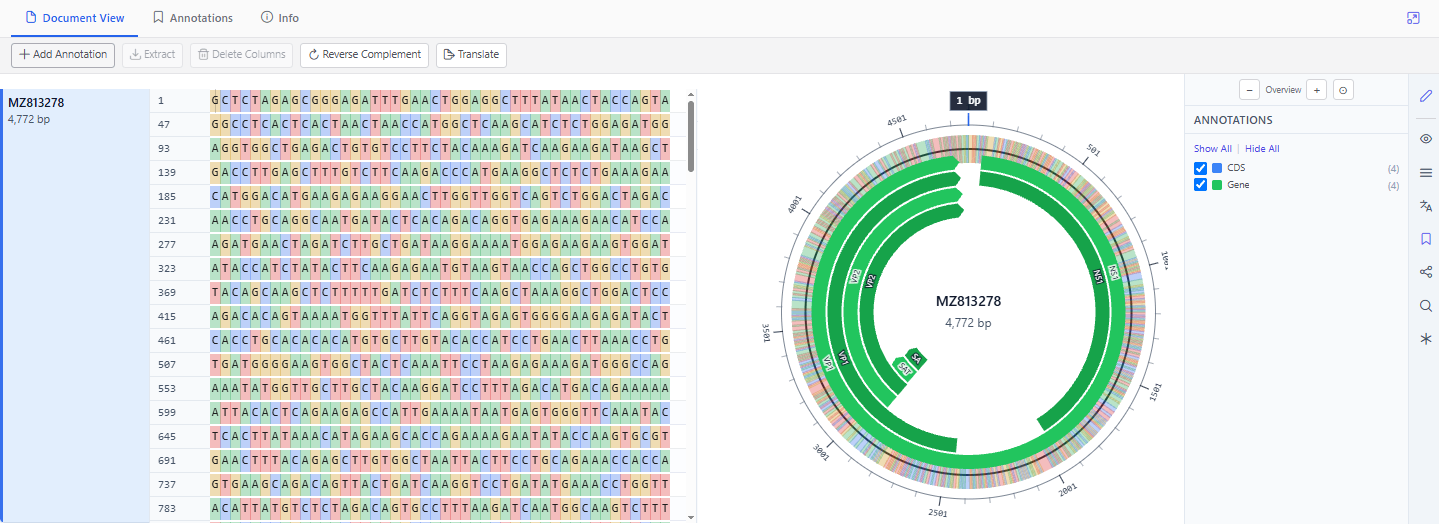
Switch between linear, wrapped and circular views of the same sequence. Annotations, translations (with NCBI genetic codes), GC content and restriction sites are independent tracks you can toggle on and off.
Edit and annotate
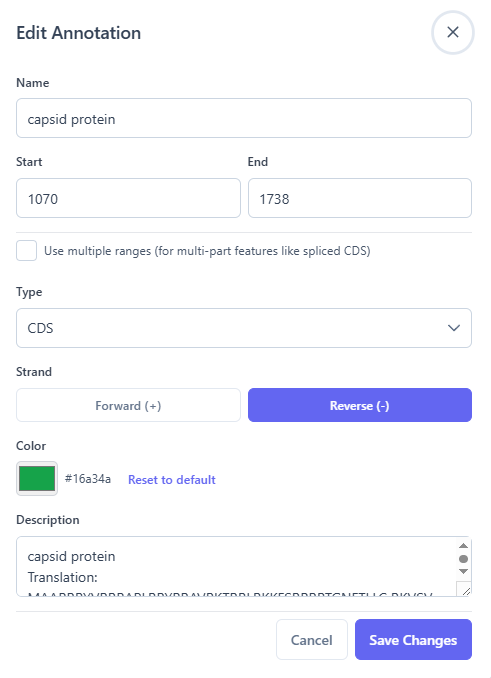
Easily edit, polish, and trim sequences and chromatograms. Perform actions such as reverse complement, translate, or extract regions by length or by annotation. Create annotations with names, products and qualifiers easily with our annotation editor.
Find Open reading frames, primer sites and circular ends
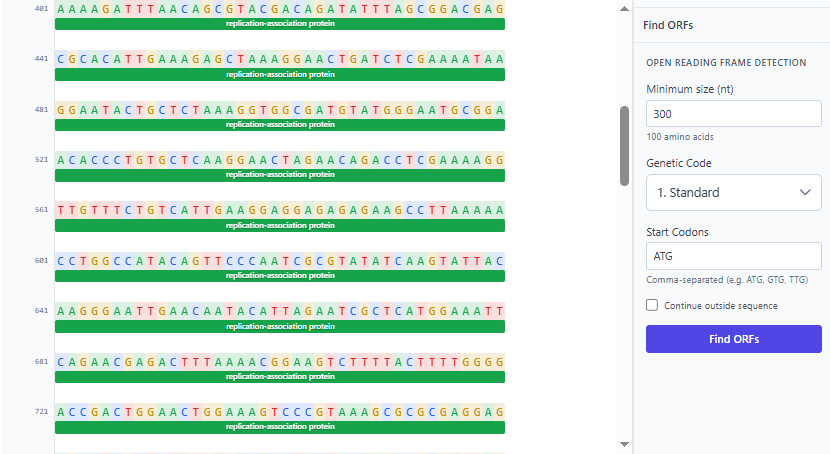
Detect open reading frames with a selectable genetic code. Locate existing primer and probe binding sites, with mismatch tolerance. For circular sequences, find duplicated ends and mark or trim them.
Transfer annotations from a reference
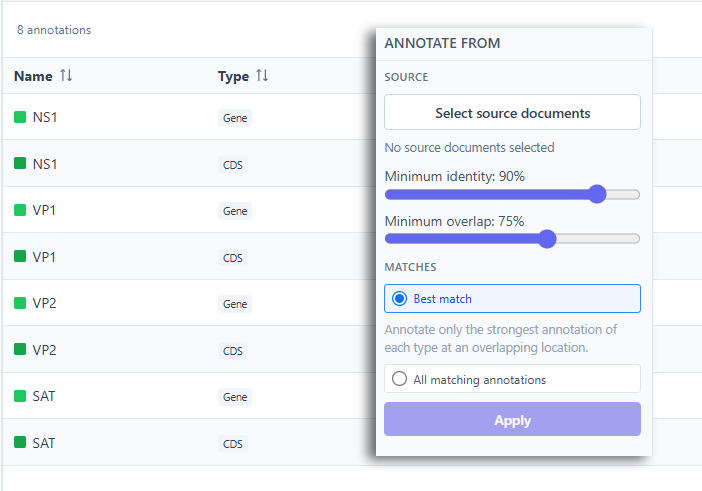
Carry annotations from already-annotated sequences onto similar sequences using BLAST, instead of re-annotating them by hand.
Sequence clustering
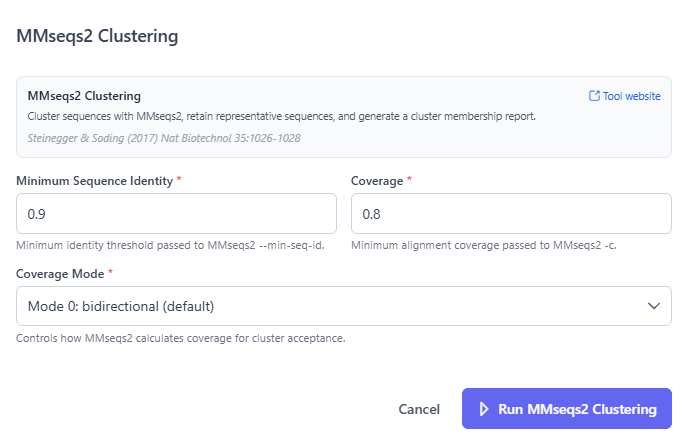
Reduce redundant DNA, RNA or protein sequence sets to representatives with MMseqs2, for example before alignment or tree building. A membership report shows which sequences clustered together.
// no local compute
We run the analyses for you
Workflows run on our servers, not on your computer. Pick your input, adjust a few options that come with sensible defaults, and click Run. The result is saved to your project when it is ready, together with the workflow and parameters that produced it. There is nothing to install, and you don't need a powerful machine.
// faq
Can I BLAST a sequence from Stranded?
Yes. From the sequence viewer you can send a sequence to NCBI BLAST, which opens in a new browser tab.
Can Stranded design primers?
Stranded maps existing primer and probe sequences onto your sequences, including mismatch tolerance. For designing new primers, you will have to do this manually, or need to use external tools.