Sequence alignment and phylogenetics
Stranded runs multiple sequence alignment, model selection, maximum-likelihood tree building and recombination analysis for you, using established tools such as MAFFT, ClustalW and IQ-TREE 3. Results open in interactive viewers in the same project.
Multiple sequence alignment
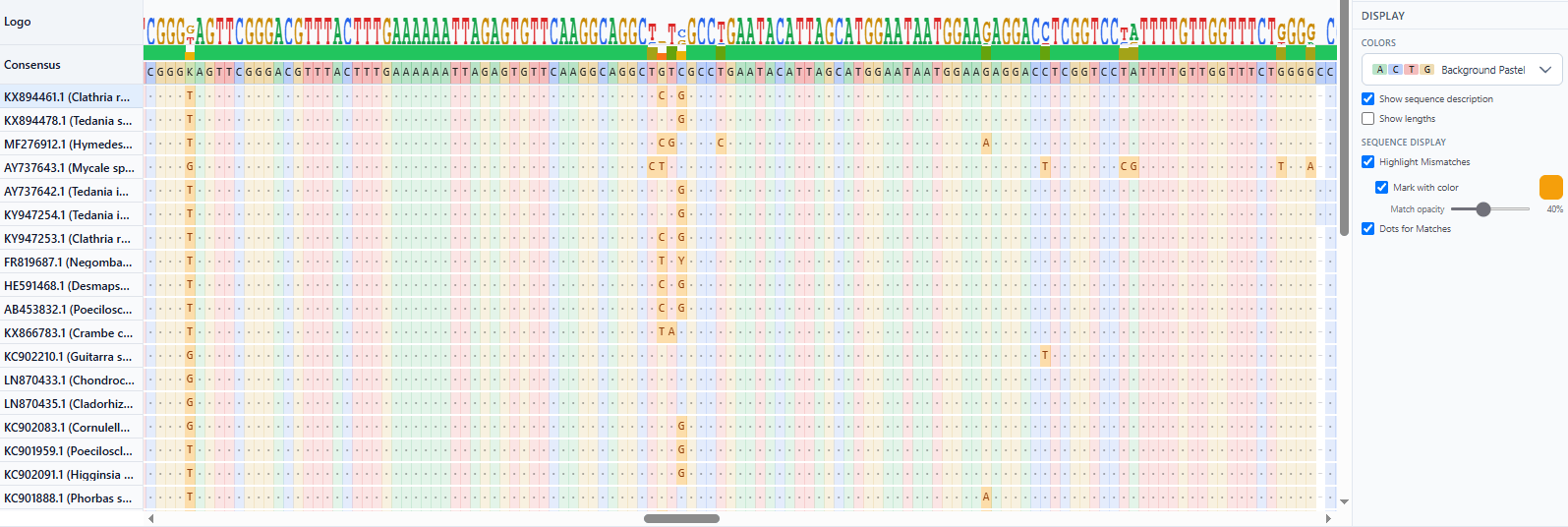
Align DNA, RNA or protein sequences with MAFFT or ClustalW. Review consensus and color-coded residues, edit gaps in the alignment grid, and inspect a pairwise similarity matrix alongside each alignment.
Model selection and maximum-likelihood trees
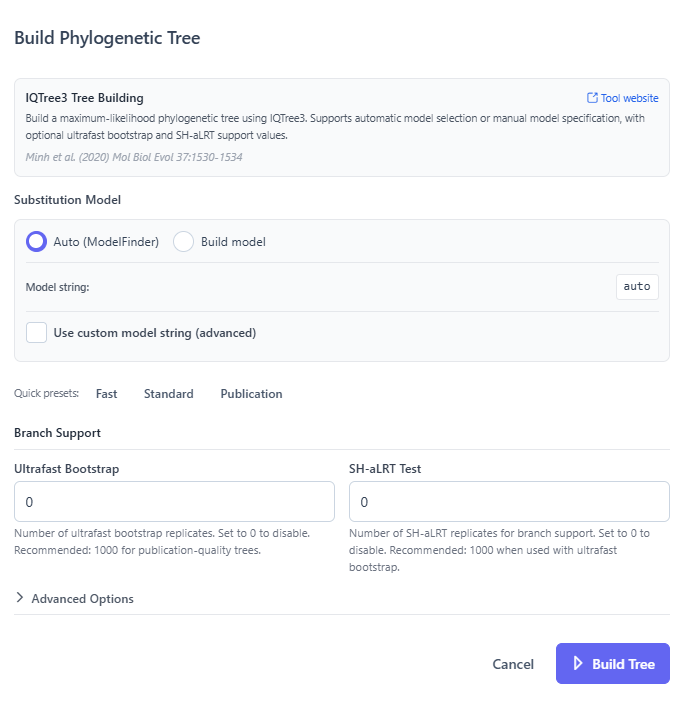
Find the best-fit substitution model, then build a maximum-likelihood tree with ultrafast bootstrap and SH-aLRT branch support, powered by IQ-TREE 3. Several aligned loci can be combined into one partitioned tree, each with its own model.
Interactive tree viewer
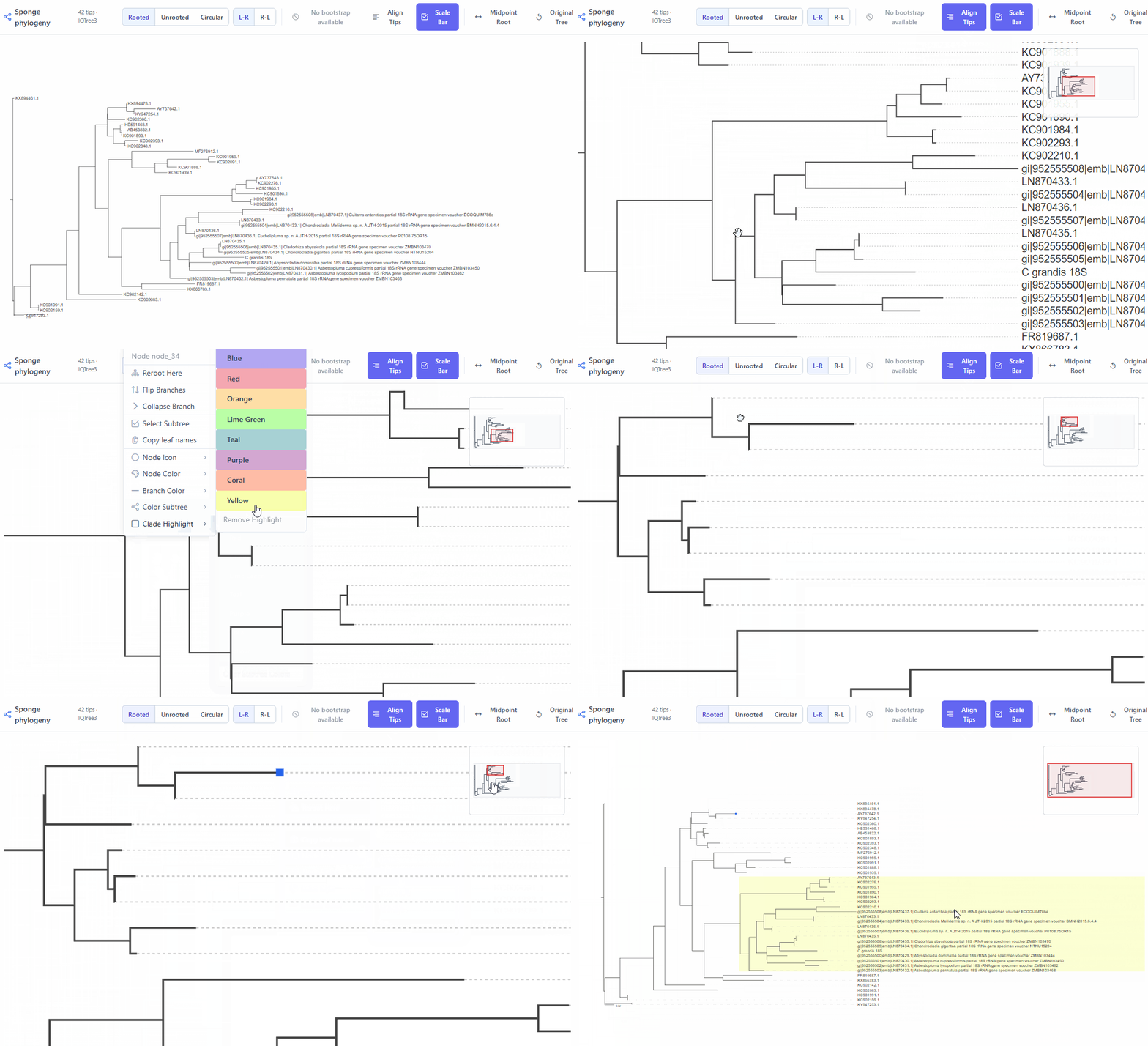
Zoom, reroot, collapse and highlight clades in the tree viewer, switch to a circular layout, and export trees in Newick format.
Recombination analysis
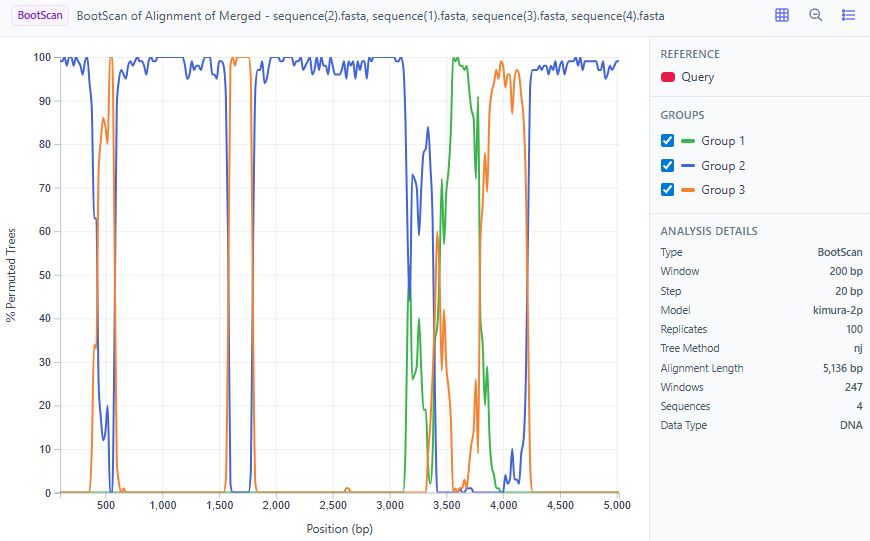
Track similarity along an alignment with SimPlot to reveal mosaic structure, and locate recombination breakpoints with BootScan.
// no local compute
We run the analyses for you
Workflows run on our servers, not on your computer. Pick your input, adjust a few options that come with sensible defaults, and click Run. The result is saved to your project when it is ready, together with the workflow and parameters that produced it. There is nothing to install, and you don't need a powerful machine.
// faq
Which alignment and tree-building tools does Stranded use?
Alignments use MAFFT or ClustalW. Model selection and maximum-likelihood trees use IQ-TREE 3. Recombination analysis uses the SimPlot and BootScan methods.
Do I need to install IQ-TREE or MAFFT myself?
No. The tools run on our servers. You choose the options in a dialog, and the result is added to your project when it is ready.